
Working with recordings
Notes
Notes taken during a recording, and notes added afterwards
The Notes tab on a recording holds free-text notes attached to that meeting. They are separate from the AI summary and are never changed by Caven.
Notes taken during a recording
While recording in Caven Studio, click the notes button in the recorder to open Recording notes. Anything you type there is saved with the recording and appears in the Notes tab once it uploads. See Recording a meeting.
Adding or editing notes afterwards
On the recording page, open the Notes tab and click Add notes or Edit notes. Save when done. Notes are plain text.
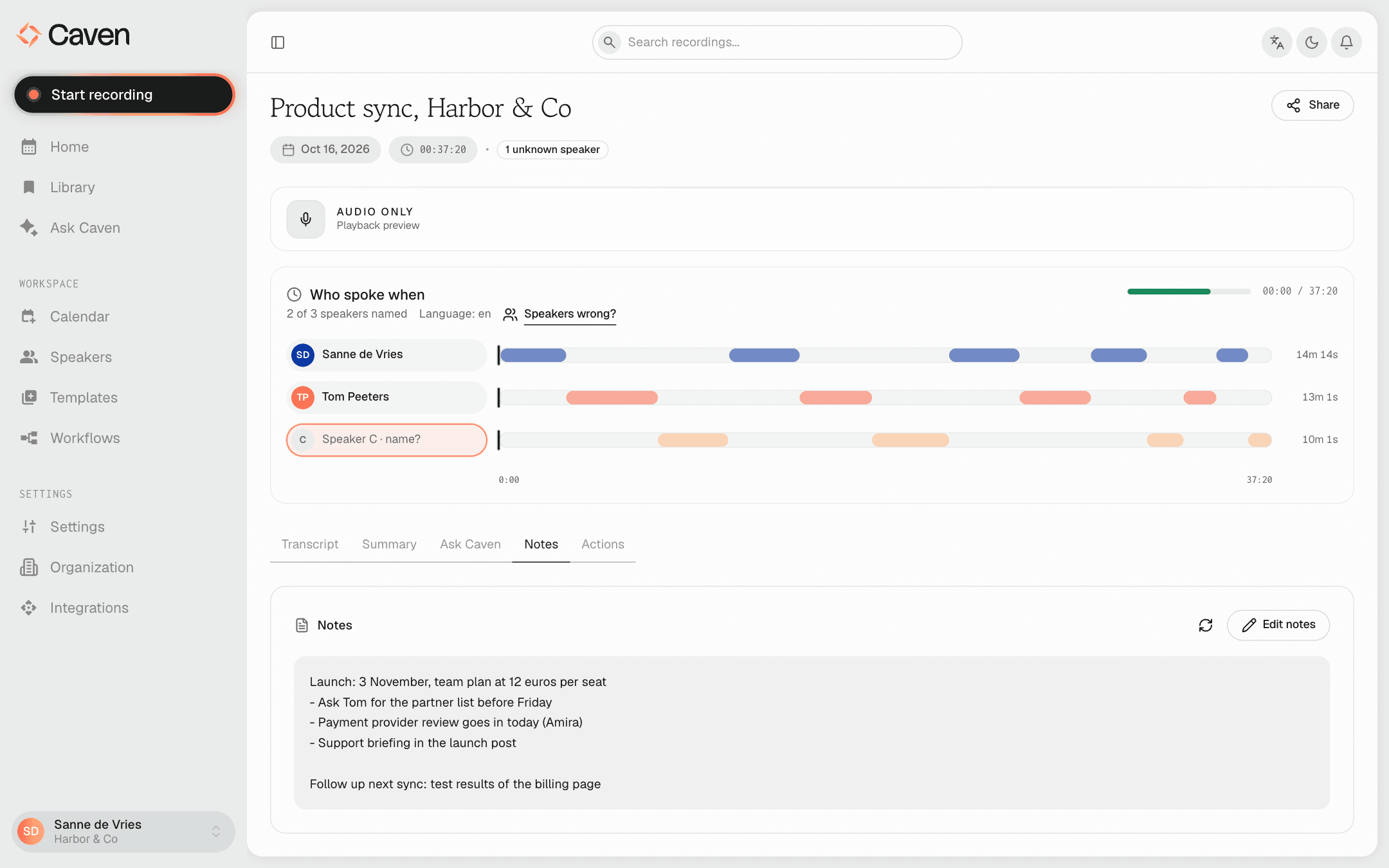 The Notes tab on a recording, with the meeting notes and an Edit notes button
Notes also feed the Ask Caven tab of that recording, so you can ask questions about them there. The Ask Caven page in the sidebar does not use notes.
Notes are not part of an export: Export only offers the transcript and the summary. You can include notes when you send a recording to an integration with Send to Integration.