
Caven Docs
Welcome to Caven
Everything you need to get the most out of Caven
Caven records your meetings, transcribes them, and turns them into structured summaries with action items, so you can stay in the conversation instead of taking notes.
The core loop
- Record a meeting in Caven Studio (the desktop app) or the Caven mobile app. You can also upload an existing audio or video file to the Library.
- The recording uploads to the web app on its own, and Caven makes the transcript and summary right away.
- Name the speakers so Caven knows who said what. Caven writes the names into the existing summary.
- Share, export, or automate what happens next, and use Ask Caven to find anything that was said.
The web app, Caven Suite, is where you review and manage your meetings. It also has a Start recording button in the sidebar that opens Caven Studio and starts a recording for you. The sidebar gives you Home, Library, Ask Caven, Calendar, Speakers, Templates, Workflows, Settings and Integrations, plus Organization for organization admins.
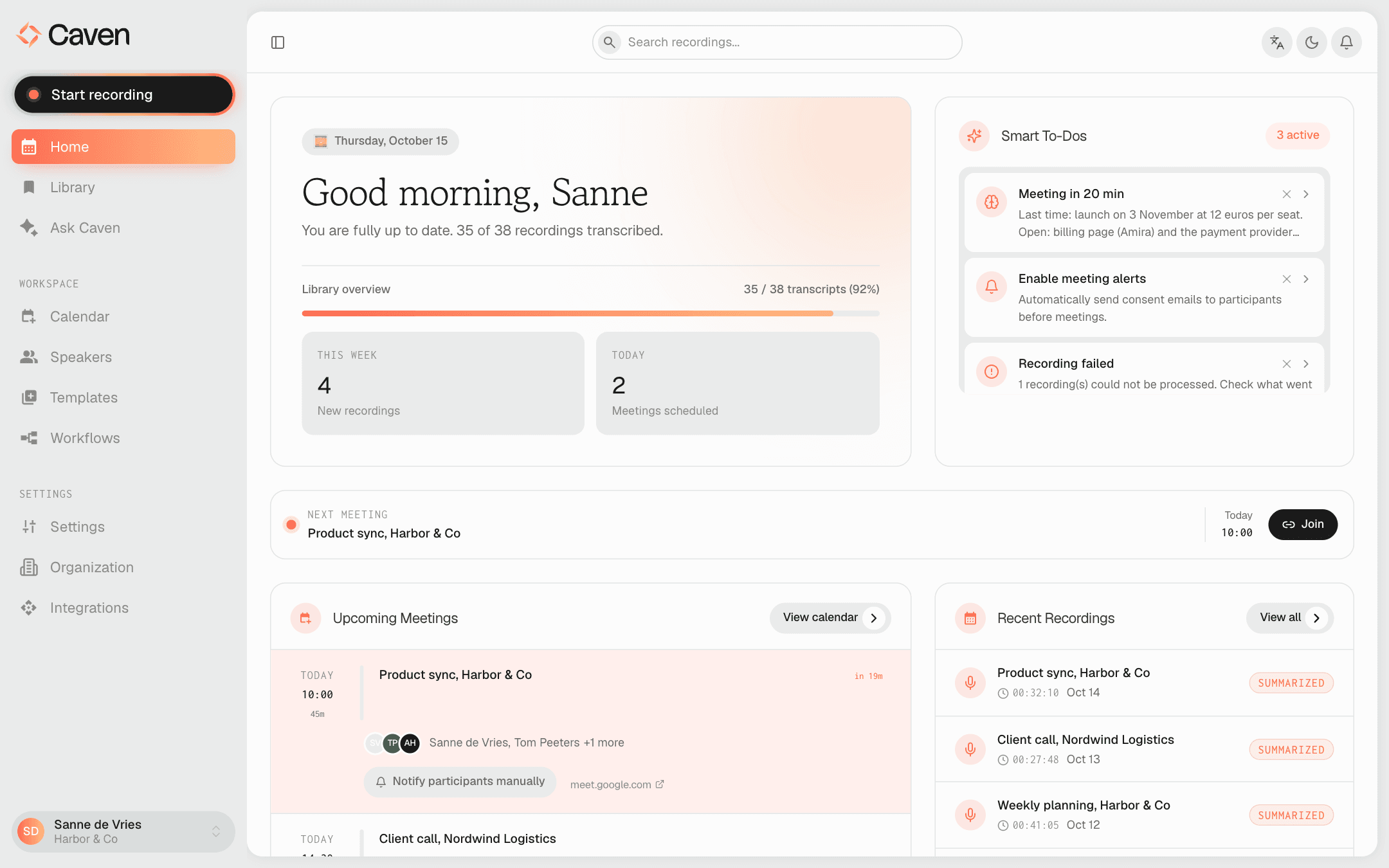 The Caven web app Home page, with a greeting, Smart To-Dos, upcoming meetings and recent recordings
Start here
From invitation link to your first summary.
Recording a meetingDesktop and mobile, manual and automatic.
Assigning speakersPutting names to voices.
Transcripts & summariesThe recording page and how to edit a summary.
Ask CavenAsk questions across all your meetings.
Summary templatesControl how summaries are structured.
WorkflowsAutomate follow-up after every meeting.